Pinterest Basket
Pinterest Basket
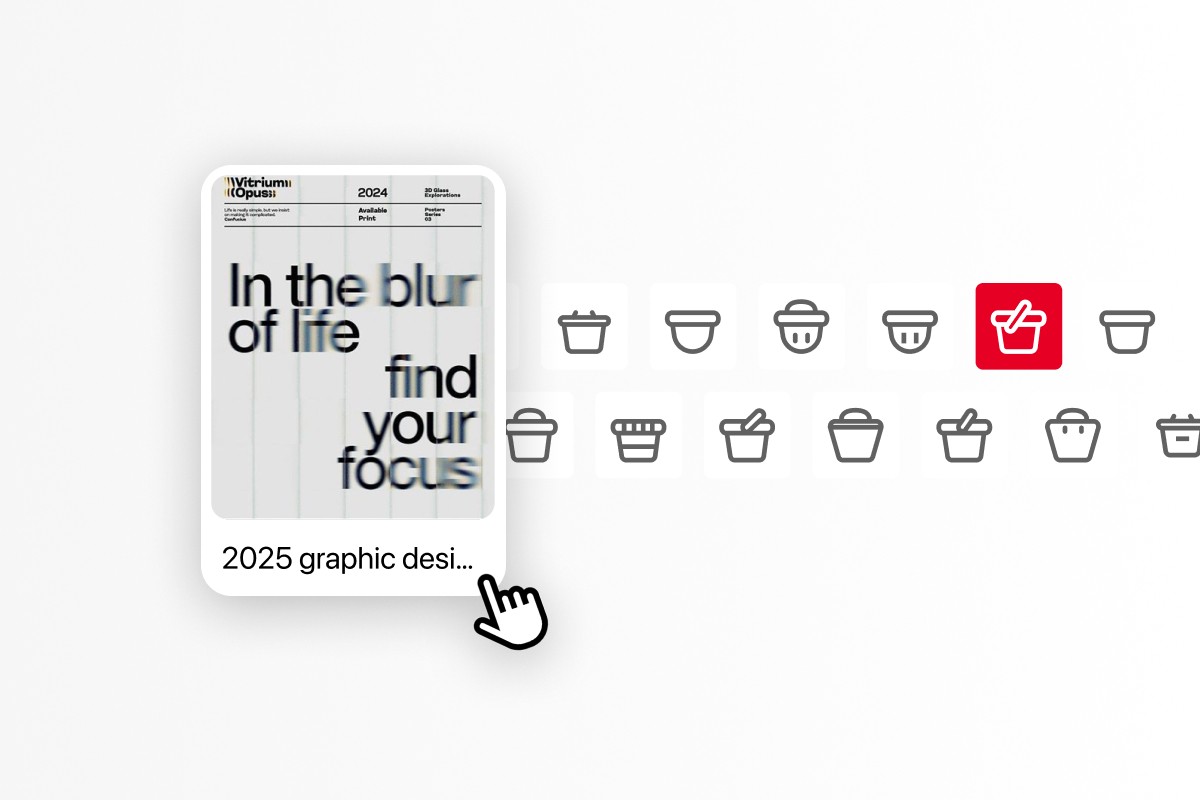
Pinterest lets you save to a board. Baskets lets you save before you know which one.
Pinterest lets you save to a board. Baskets lets you save before you know which one.

PROJECT DETAILS
PROJECT DETAILS
ROLE
This project was part of our studio class at Parsons School of Design. I was the lead designer for the project, owning end-to-end process from conducting in-person user research and ideation all the way to designing an interactive prototype for the Baskets feature in Pinterest.
This project was part of our studio class at Parsons School of Design. I was the lead designer for the project, owning end-to-end process from conducting in-person user research and ideation all the way to designing an interactive prototype for the Baskets feature in Pinterest.
Speculative project
Speculative project
PROJECT
AI assistance, Feature addition
AI assistance, Feature addition
DURATION
6 weeks (2026)
6 weeks (2026)
TEAM
Riya (me!) . Adam . Clara
Riya (me!) . Adam . Clara
TOOLS
Figma . Google Workspace
Figma . Google Workspace
OVERVIEW
OVERVIEW
What is Basket?
What is Basket?
Pinterest is where people collect inspiration. Boards are how they organize it.
Pinterest is where people collect inspiration. Boards are how they organize it.
Basket is the step in between. A low-pressure space where users can drop pins they are interested in, organize them manually, or let AI sort them when they are ready.
Basket is the step in between. A low-pressure space where users can drop pins they are interested in, organize them manually, or let AI sort them when they are ready.
When I presented Basket at Parsons, 90% of the people I spoke to said they would use it.
When I presented Basket at Parsons, 90% of the people I spoke to said they would use it.
Issue reported for:
Content
Dev
Others
08
15
22
29
01
May
250
200
150
100
50
0
Data Visualization
User Research
Iteration
Others (0.3%)
PROBLEM
PROBLEM
Imagine you have 40 boards, you see a pin you like and now have to add it to one of the boards
Imagine you have 40 boards, you see a pin you like and now have to add it to one of the boards
Cannot find the board
Forgot the name of the board
Can't decide which board to put it in
Just want to save it and not think about boards

Multiple boards with the
same name
Multiple boards with the same name

Pin to a random board, probably never to return.
Pin to a random board, probably never to return.

Abandon the pin all together
Abandon the pin all together
The difference is between how we think and how Pinterest's pin to board flow is architectured
The difference is between how we think and how Pinterest’s pin to board flow is architectured
how WE THINK

PINTEREST PIN-TO-BOARD FLOW

So the goal became to design for how people actually think: non-linear, intuitive, & often unfinished.
So the goal became to design for how people actually think: non-linear, intuitive, & often unfinished.
So the goal became to design for how people actually think: non-linear, intuitive, & often unfinished.
IDEATION
IDEATION
EXPLORATION
EXPLORATION
I came in with five ideas. Users made the call.
I came in with five ideas. Users made the call.
The process started with open exploration across three key questions:
How can I make the organizing experience more efficient?
How do people naturally categorize information, and how can the design reflect that?
How do other applications organize data and files in a way that feels manageable?
The process started with open exploration across three key questions:
How can I make the organizing experience more efficient?
How do people naturally categorize information, and how can the design reflect that?
How do other applications organize data and files in a way that feels manageable?
With that I curated five concepts and tested them with users,
With that I curated five concepts and tested them with users,
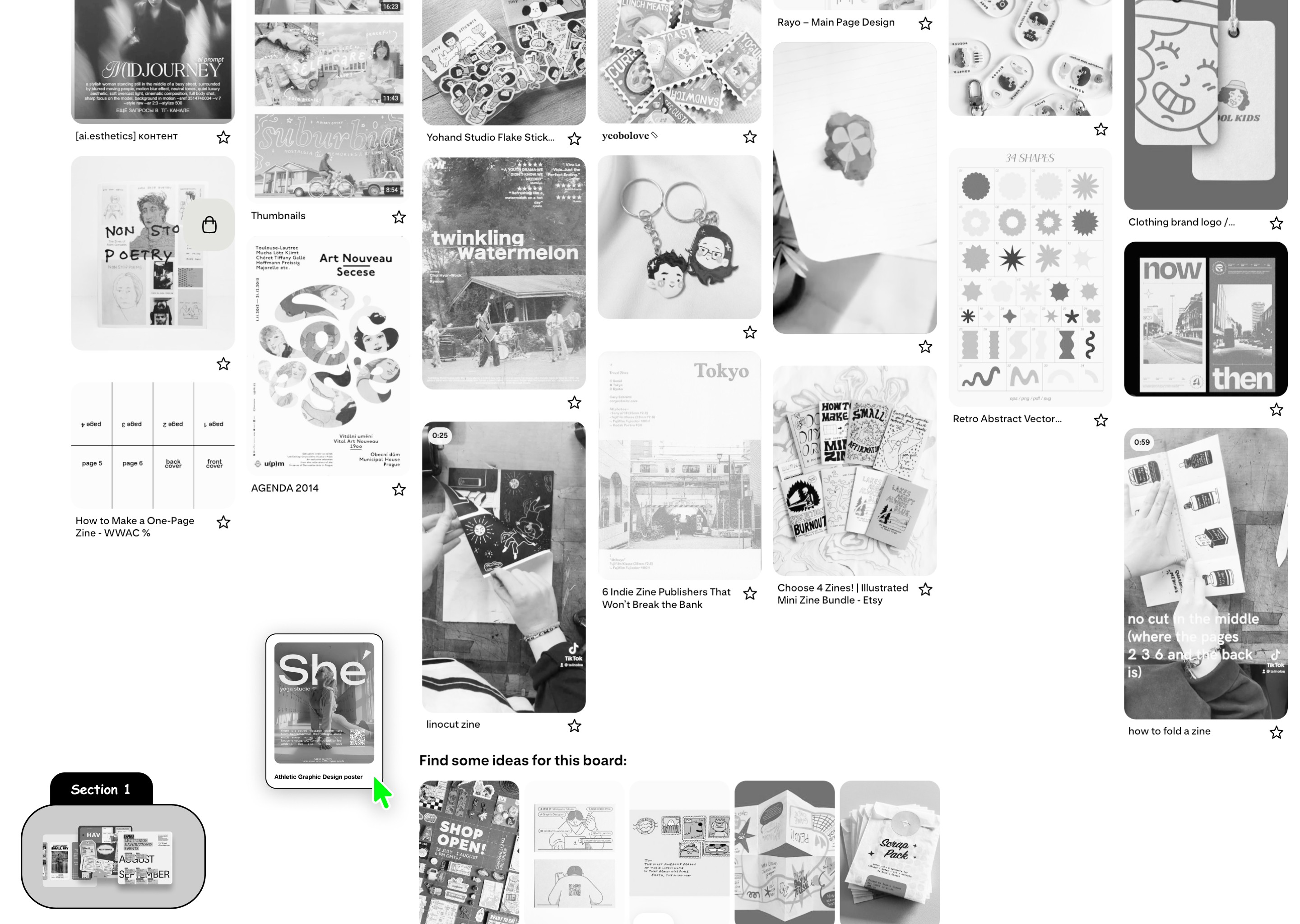
Baskets
Lets you drag and drop pins to basket instead of having to commit to boards. You can later edit and download them
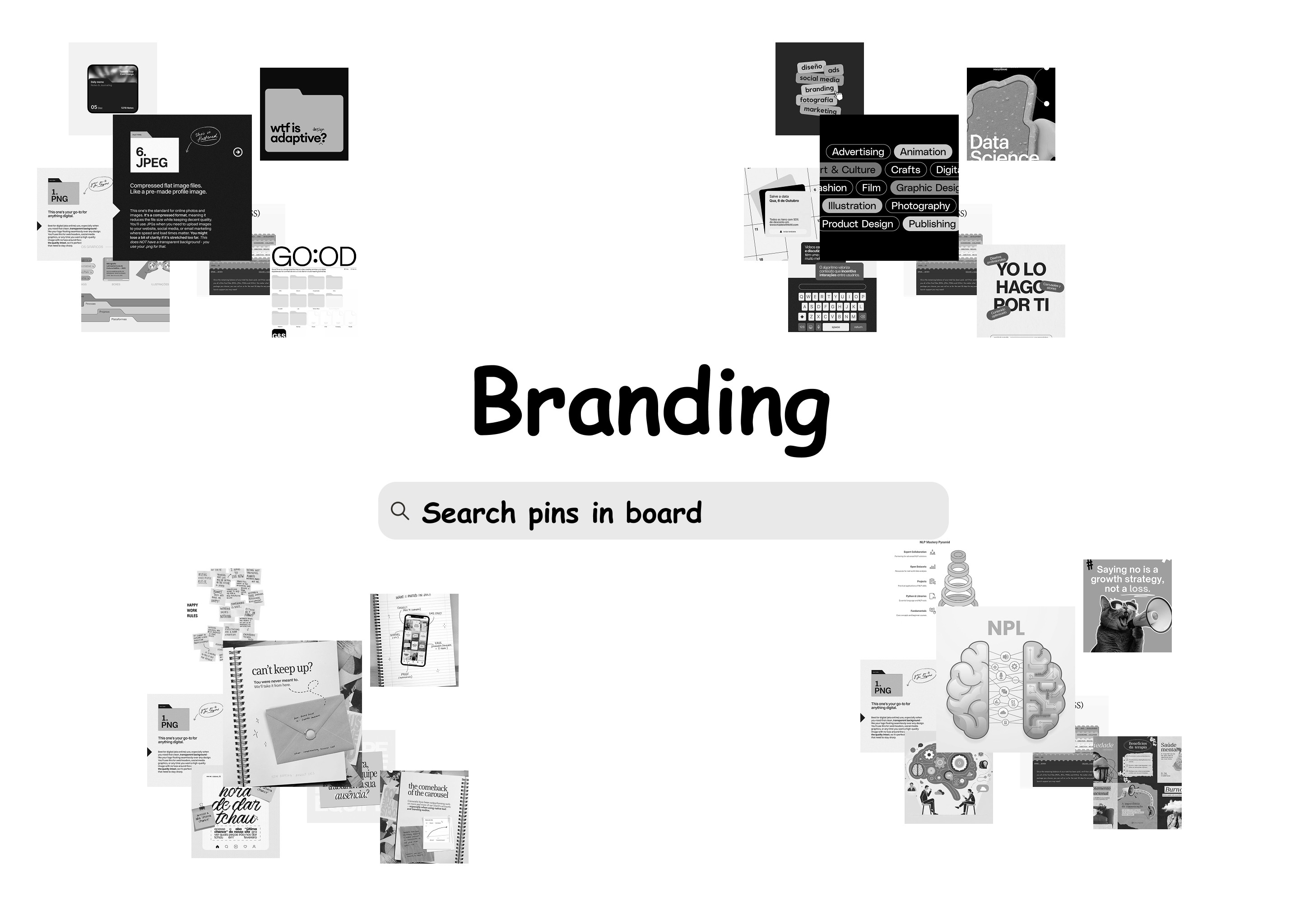
Spread
Each board is automatically spread into pins that are similar, and you can find the pin through search.
Inspiration

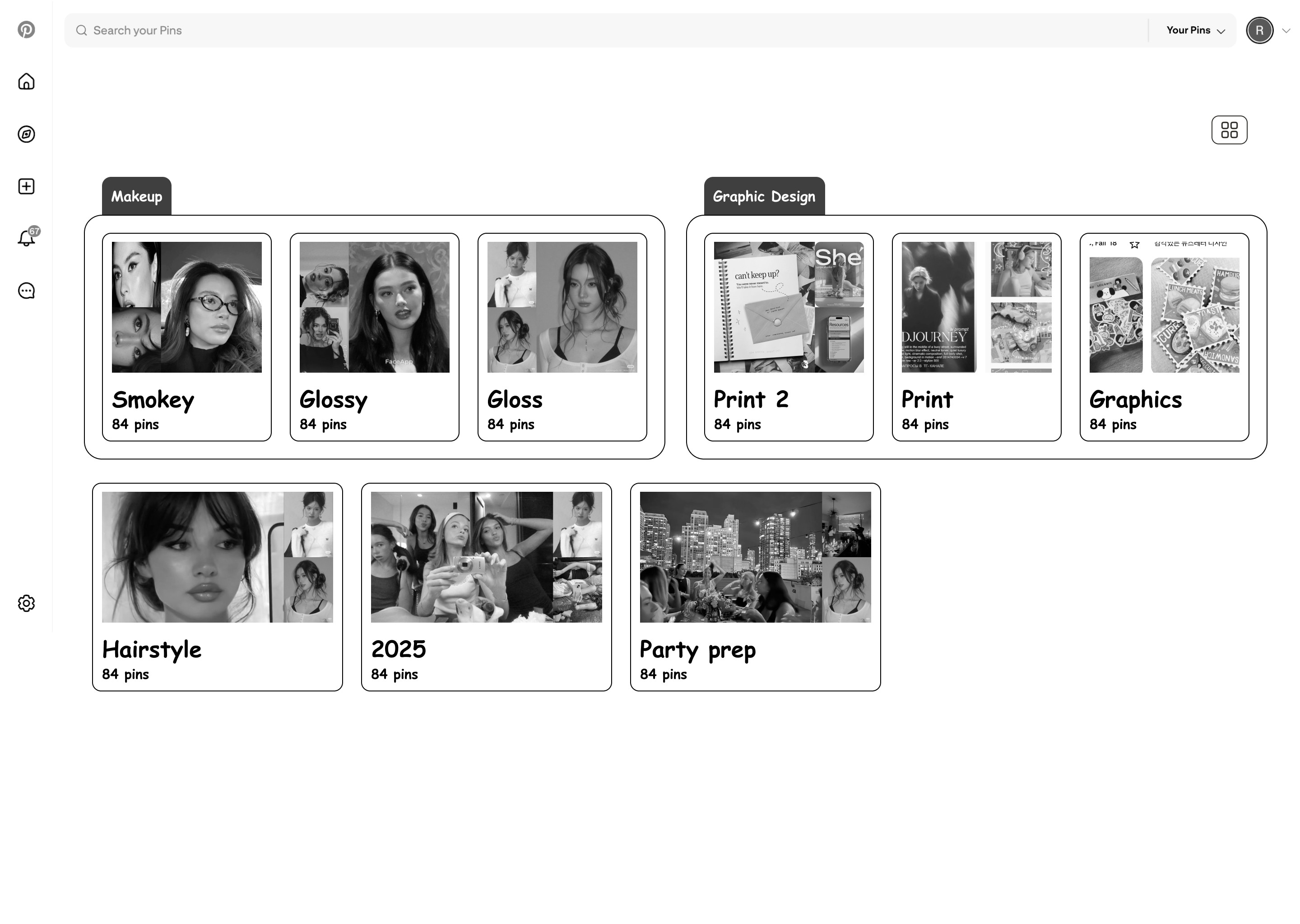
AI Groups
Uses AI to group together similar boards and gives it a name. Which you can always edit and relocate.
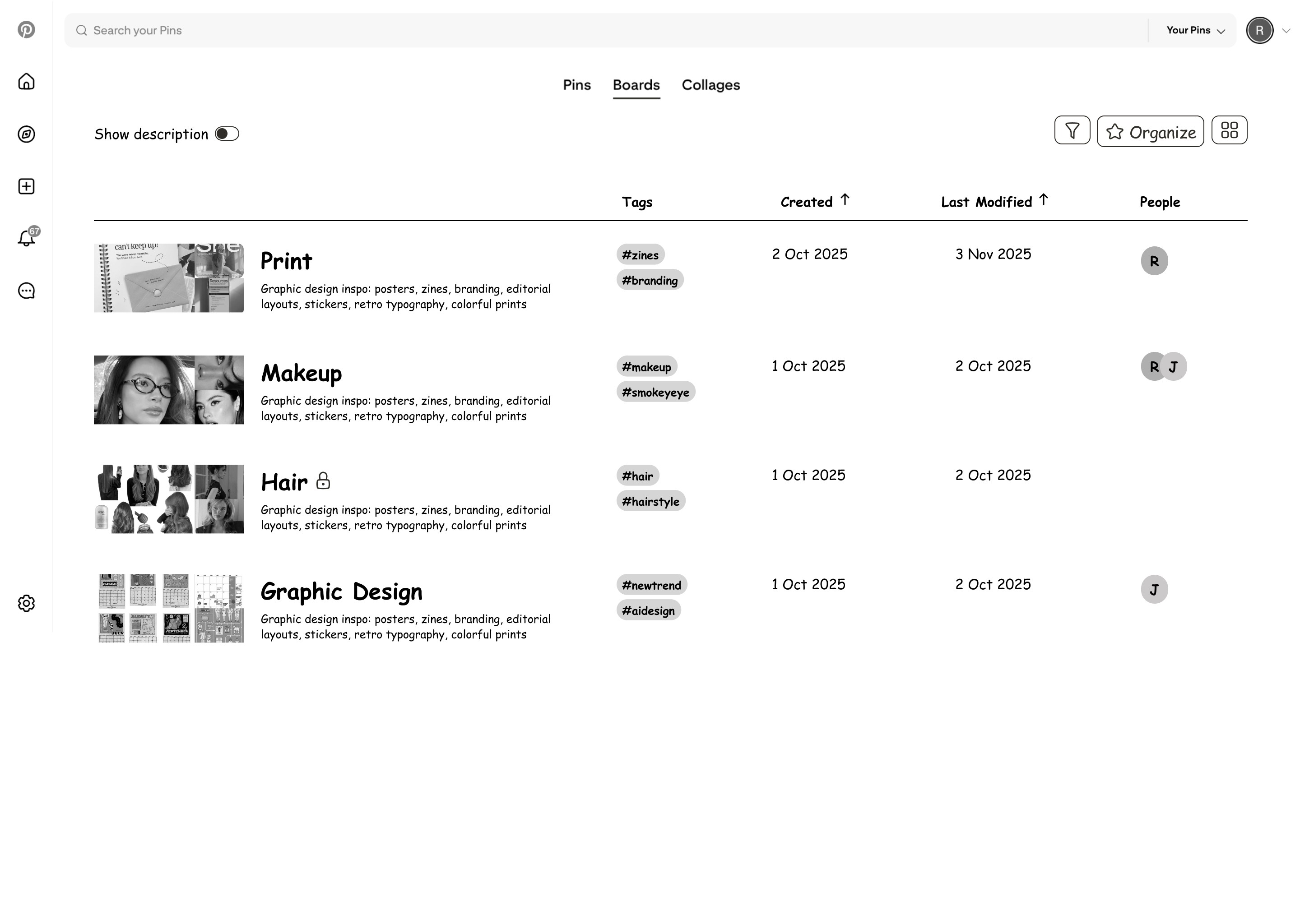
Lists
Instead of just Gallery, boards are organized in list with tags and dates as well as share users.
Current view

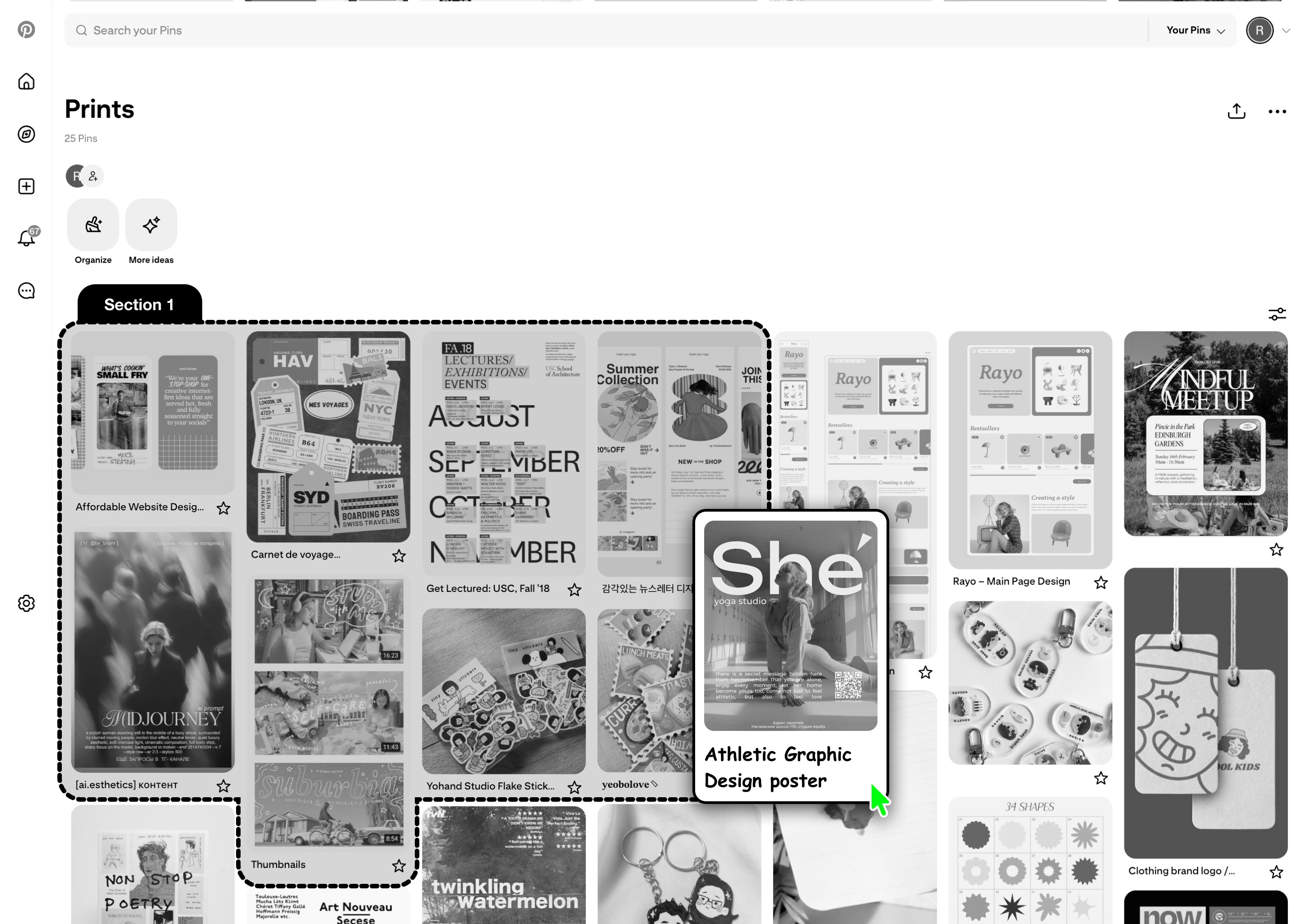
Section
Think sections in Figma. You can drag and put pins inside sections and organize them.
Baskets
Lets you drag and drop pins to basket instead of having to commit to boards. You can later edit and download them
Spread
Each board is automatically spread into pins that are similar, and you can find the pin through search.
Inspiration
AI Groups
Uses AI to group together similar boards and gives it a name. Which you can always edit and relocate.
Lists
Instead of just Gallery, boards are organized in list with tags and dates as well as share users.
Current view
Section
Think sections in Figma. You can drag and put pins inside sections and organize them.
After testing the ideas with the users
almost all the users liked the idea of Baskets.
After testing the ideas with the users almost all the users liked the idea of Baskets.
After testing the ideas with the users
almost all the users liked the idea of Baskets.
DESIGN
DESIGN
Here is why Basket works for how users actually think
Here is why Basket works for how users actually think
NON-LINEAR
NON-LINEAR
Basket acts as an in-between step between discovery and organizing
Basket acts as an in-between step between discovery and organizing
Before users had to pin their inspirations to boards on the spot, this created and extra cognitive load on the user every time they found an inspiration.
Before users had to pin their inspirations to boards on the spot, this created and extra cognitive load on the user every time they found an inspiration.
Rather than forcing immediate structure, Baskets embraces ambiguity. It lets users gather freely, then step back and make sense of what they've collected.
Rather than forcing immediate structure, Baskets embraces ambiguity. It lets users gather freely, then step back and make sense of what they’ve collected.

INTUITIVE
INTUITIVE
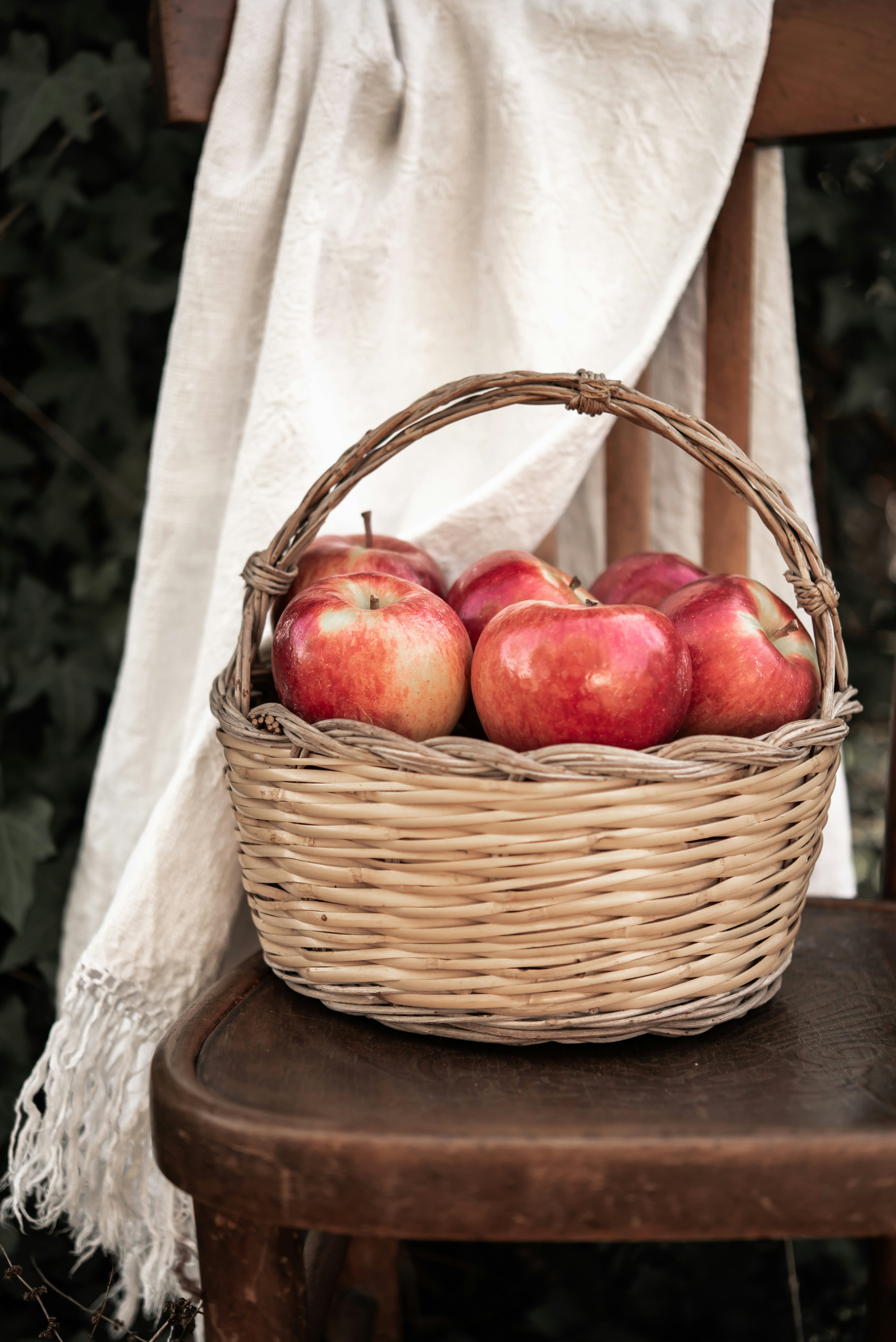
Like collecting apples, you drag and drop pins to the basket
Like collecting apples, you drag and drop pins to the basket
Humans collect things before making sense of them. Basket goes back to the natural way people collect things. Dump everything at one place then make sense later.
Humans collect things before making sense of them. Basket goes back to the natural way people collect things. Dump everything at one place then make sense later.
With an aim to keep that tactile feel, basket lets users drag and drop items into it and allows users to sort through them later.
With an aim to keep that tactile feel, basket lets users drag and drop items into it and allows users to sort through them later.
UNFINISHED
UNFINISHED
Basket's AI helps you organize your unfinsihed boards while still being in control
Basket’s AI helps you organize your unfinsihed boards while still being in control
Basket integrates AI in a way that feels assistive, not directive.
Basket integrates AI in a way that feels assistive, not directive.
It suggests relevant boards based on patterns in saved pins, or creates new ones when needed. This stops you from creating new boards every time you cannot find the board you were looking for and fixes the problem of multiple boards having the same name.
It suggests relevant boards based on patterns in saved pins, or creates new ones when needed. This stops you from creating new boards every time you cannot find the board you were looking for and fixes the problem of multiple boards having the same name.
But most Importantly, using AI is optional, users can always organize everything manually, maintaining full control over where their inspirations are organized.
But most Importantly, using AI is optional, users can always organize everything manually, maintaining full control over where their inspirations are organized.
Baskets turns a rigid action into a fluid workflow, making curation feel less like sorting and more like discovering intent over time.
Baskets turns a rigid action into a fluid workflow, making curation feel less like sorting and more like discovering intent over time.
IMPACT
IMPACT
90% of participant said they would use Basket
90% of participant said they would use Basket
This project was presented in front of 20+ people and was recognized as something they would definitely use and be benefited by. The feature was also shown to the interview participants later and all of them had positive feedback about it.
This project was presented in front of 20+ people and was recognized as something they would definitely use and be benefited by. The feature was also shown to the interview participants later and all of them had positive feedback about it.
Issue reported for:
Content
Dev
Others
08
15
22
29
01
May
250
200
150
100
50
0
Data Visualization
User Research
Iteration
Others (0.3%)
Quotes from users
Quotes from users
"I really like the ability to just add things to a basket without categorizing them right away. This eliminates the user error of adding pins to the wrong board."
Hannah Farnham, Digital Designer @ Zero Studios
"I like how physical and tactile the drag and drop action feels and matches how I think when saving anything"
"I like how physical and tactile the drag and drop action feels and matches how I think when saving anything"
Workshop Attendee
"I loved the concept of the feature you added for Pinterest, and I feel like it would help a lot of new users navigate the functionality without being overly concerned on where everything is."
Sophia Bae, Parsons MPS Student
Issue reported for:
Content
Dev
Others
08
15
22
29
01
May
250
200
150
100
50
0
Data Visualization
User Research
Iteration
Others (0.3%)